Say Hello to the next generation of OCTOPUZ
Reduce your industrial robot's production downtime and maximize its ROI by programming your next job in a virtual, offline environment.
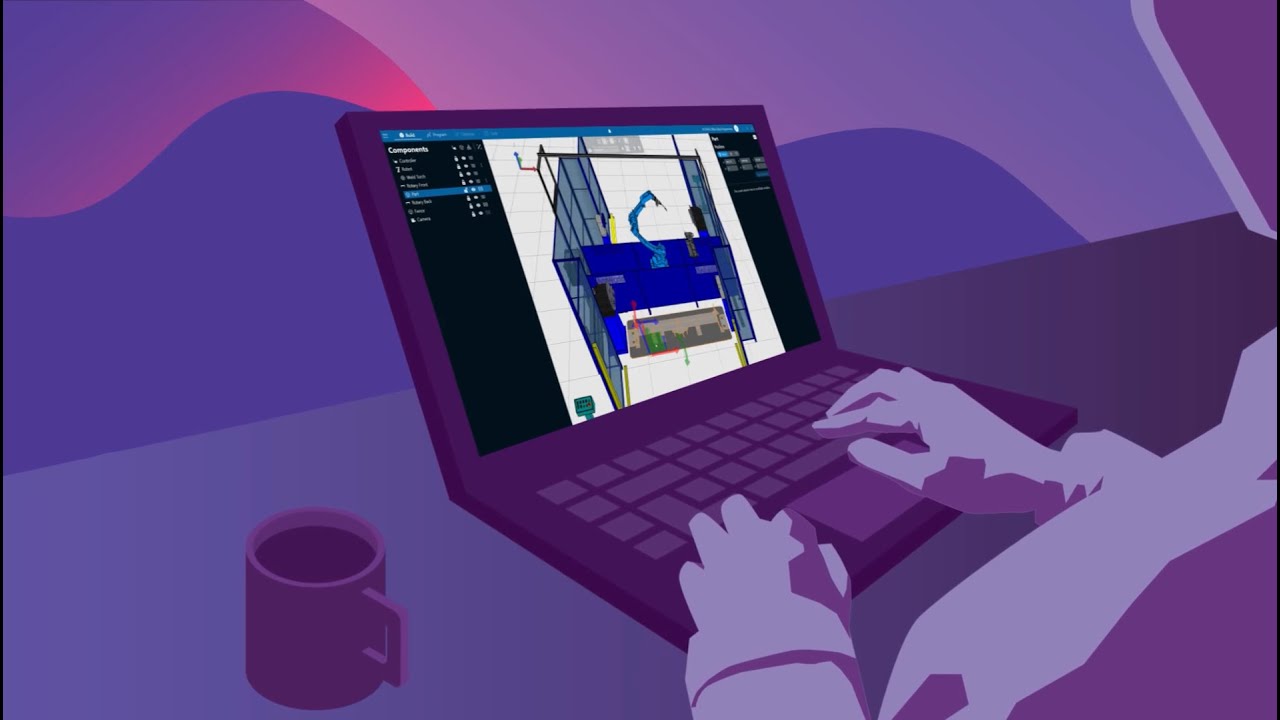

Say Hello to the next generation of OCTOPUZ
Reduce your industrial robot's production downtime and maximize its ROI by programming your next job in a virtual, offline environment.
Create a digital twin of your project by loading the robot cell template and part
Start programming your next project immediately.
Program efficiently with integrated tools for creating and optimizing robot motions
Program multiple robots simultaneously, with support for most robot brands in unique configurations. Regardless of robot brand, the programming process is identical.
Validate the accuracy of your welding program through simulation in your digital twin
Ensure you are production-ready by simulating your project, with flexible options which make your project playback just like watching a video.
Export robot-specific code ready for immediate use in production
Once your project is created and verified in the virtual world, export your ready-to-run robot code for production use.
.mp4)

| Operating System | Windows 11 NOTE: As of October 2025, in accordance with Microsoft’s end-of-life policy, Windows 10 is no longer officially supported |
| Installation environment | Install and use on a local computer NOTE: Using OCTOPUZ on a virtual machine (via remote access) is not officially supported and may result in degraded performance or unexpected behavior |
| CPU | Intel
|
| Memory |
|
| Graphics | NVIDIA
|
| Hard Drive |
|
| Internet Connection |
|

Are you an equipment manufacturer or software company who is looking to partner with InduSuite? We’d love to chat with you!
